Best Cold Email Software in 2026: 7 Tools Compared for B2B Outbound
Compare the 7 best cold email software tools in 2026. See pricing, features, pros, cons, and which platform fits your B2B outbound strategy.

.jpg)
The problem with most cold email software comparisons is that they make every tool sound like the same product.
Unlimited email accounts. Automated follow-ups. AI personalization. Inbox rotation. Better deliverability.
Almost every platform promises some version of these features. Yet two companies using the same software can get completely different results.
We see this regularly when building outbound systems for B2B companies. One team buys an expensive sequencer and struggles to book meetings. Another runs a relatively simple stack and builds a predictable outbound motion.
The difference usually isn't the software.
It's the quality of the targeting, the sending infrastructure, the data feeding the campaigns, and how everything connects to the CRM.
That doesn't mean your software choice doesn't matter. It does. But the right tool depends on whether you're running outbound for one company, managing multiple clients, building a multichannel sales motion, or connecting campaigns to a broader GTM system.
In this guide, we'll compare seven of the best cold email software platforms for 2026, explain where each works best, look at their limitations, and show you what to consider before committing to a platform.
What Is Cold Email Software?
Cold email software is a platform used to send, schedule, personalize, and manage outbound email campaigns to prospects who don't already have an established relationship with your business.
Unlike traditional email marketing tools, cold email platforms are designed around individual sender mailboxes, prospect-specific sequences, reply detection, and sales conversations.
A typical platform handles five things:
- Connecting multiple email accounts.
- Scheduling initial emails and follow-ups.
- Personalizing messages using prospect data.
- Managing replies, bounces, and suppression lists.
- Reporting campaign performance.
More advanced platforms support mailbox rotation, sending controls, deliverability monitoring, APIs, webhooks, and CRM integrations.
But there is an important distinction.
Cold email software executes outreach. It doesn't automatically make the outreach worth sending.
If the target accounts are wrong, the contact information is outdated, or the message doesn't address a relevant business problem, a better sequencer won't solve those issues.
For the complete process behind an effective campaign, see our cold email guide.
Best Cold Email Software in 2026: Quick Comparison
Prices are indicative vendor-published figures, in USD, reviewed October 2026. Verify the selected plan, billing cycle, and add-ons before purchase.
1. Instantly: Best for High-Volume Cold Email Campaigns
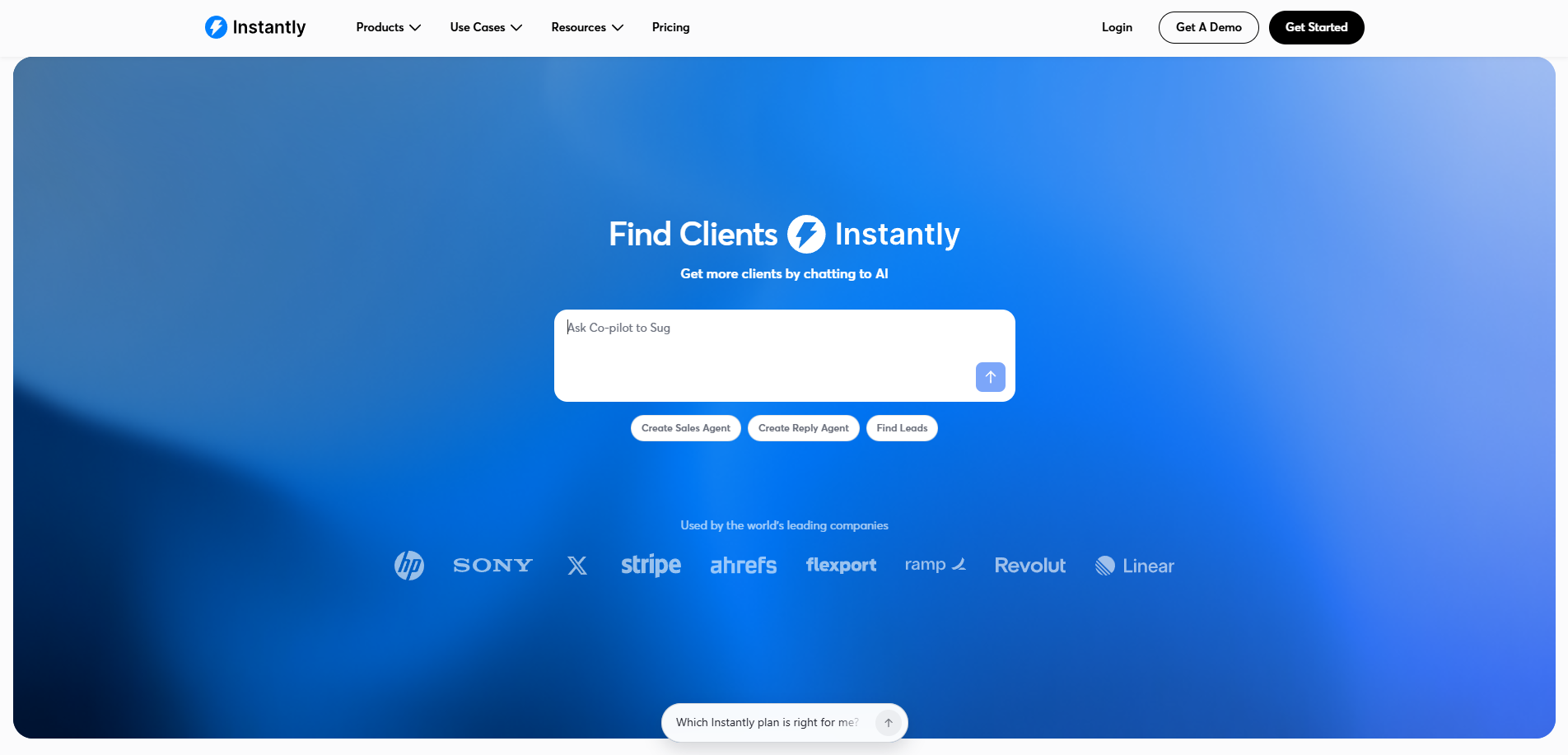
Instantly is one of the more recognizable names in cold email software, particularly among agencies and teams managing several sending domains.
Its appeal is straightforward. Instead of managing separate campaigns and mailboxes manually, teams can connect multiple accounts, rotate sending, manage sequences, and monitor replies from one interface.
Key Features
- Unlimited connected email accounts on its outreach plans.
- Automated email sequences and follow-ups.
- Email warmup and reputation-related features.
- A unified inbox for managing replies.
- Campaign analytics and A/Z testing.
- API and integration capabilities.
- Separate prospect data and AI-related products.
Pricing
Instantly's Growth outreach plan is listed at $47 per month, including 1,000 uploaded contacts and 5,000 emails per month.
Higher plans offer more contact capacity, sending volume, and advanced features. Lead database credits, enrichment, and some AI capabilities are priced separately or through bundles.
Where Instantly Works Well
Instantly makes sense when you already have a prospecting workflow and need a scalable campaign execution layer.
For example, suppose your team uses Clay to research accounts, verifies contacts through enrichment providers, and sends approved messages through Instantly.
That is a sensible division of responsibilities. Clay handles research and enrichment. Instantly handles email distribution.
Where It Falls Short
Unlimited email accounts don't mean unlimited safe sending.
Actual sending capacity still depends on mailbox providers, account reputation, list quality, recipient behavior, and platform limits.
Teams also need to understand the difference between Instantly's sending platform and its separate lead and credit products.
Our assessment: A strong option for outbound teams that already know how they want to source, qualify, and personalize prospects.
2. Smartlead: Best for Agencies and Multi-Client Campaign Management
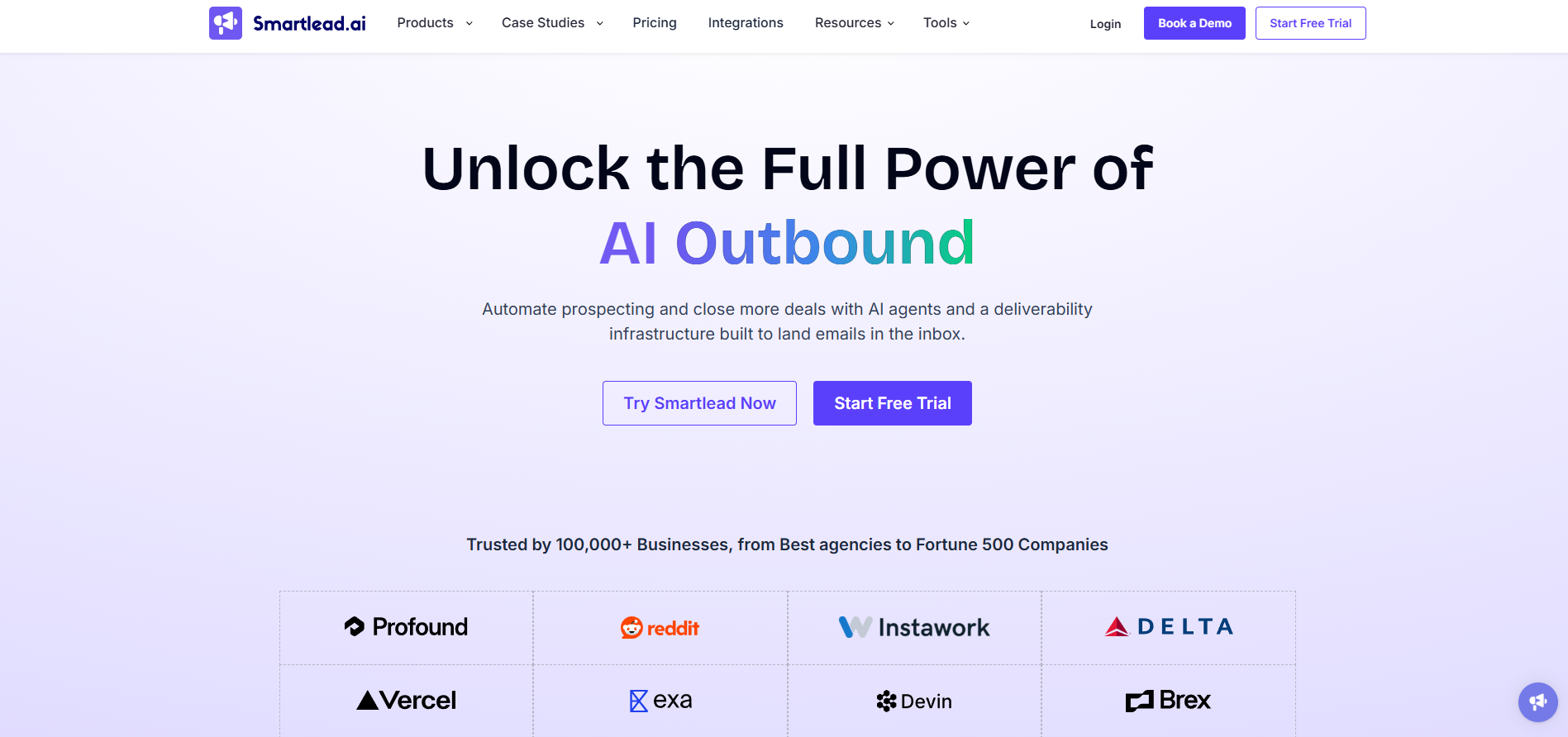
Smartlead is designed around managing cold email operations at scale.
Its biggest attraction is the ability to coordinate campaigns across multiple mailboxes and customers without rebuilding everything for each client.
Key Features
- Multi-mailbox outbound orchestration.
- Email warmup capabilities.
- Centralized reply management.
- Client and agency workflows.
- API and webhook connectivity.
- Sending infrastructure options.
- Higher-tier features for larger outbound operations.
Pricing
Smartlead lists its Base plan at $39 per month, its Pro plan at $94 per month, and higher-capacity plans at $174 and $379 per month.
The Base plan lists 2,000 contacts and 6,000 email sends. Advanced features and infrastructure products can involve additional charges.
Where Smartlead Works Well
Consider an outbound agency managing campaigns for eight clients.
Each client has separate domains, mailboxes, target accounts, reply handling, and reporting requirements.
Smartlead gives that agency a platform for managing those operational layers without relying on separate manual workflows.
Its API capabilities also make it relevant for GTM engineering teams building automated systems around enrichment, campaign activation, and CRM synchronization.
Where It Falls Short
Smartlead gives teams significant operational flexibility, but flexibility increases the amount of setup and monitoring required.
If your team has never configured domain authentication, mailbox-level sending controls, reply handling, or CRM integrations, a more advanced platform doesn't eliminate that learning curve.
Our assessment: Particularly relevant for agencies and technically capable teams operating several outbound programs.
3. lemlist: Best for Multichannel Sales Outreach
Not every buyer responds to cold email.
Some prospects are active on LinkedIn. Others respond better to a phone call. Important accounts may require several touches across channels.
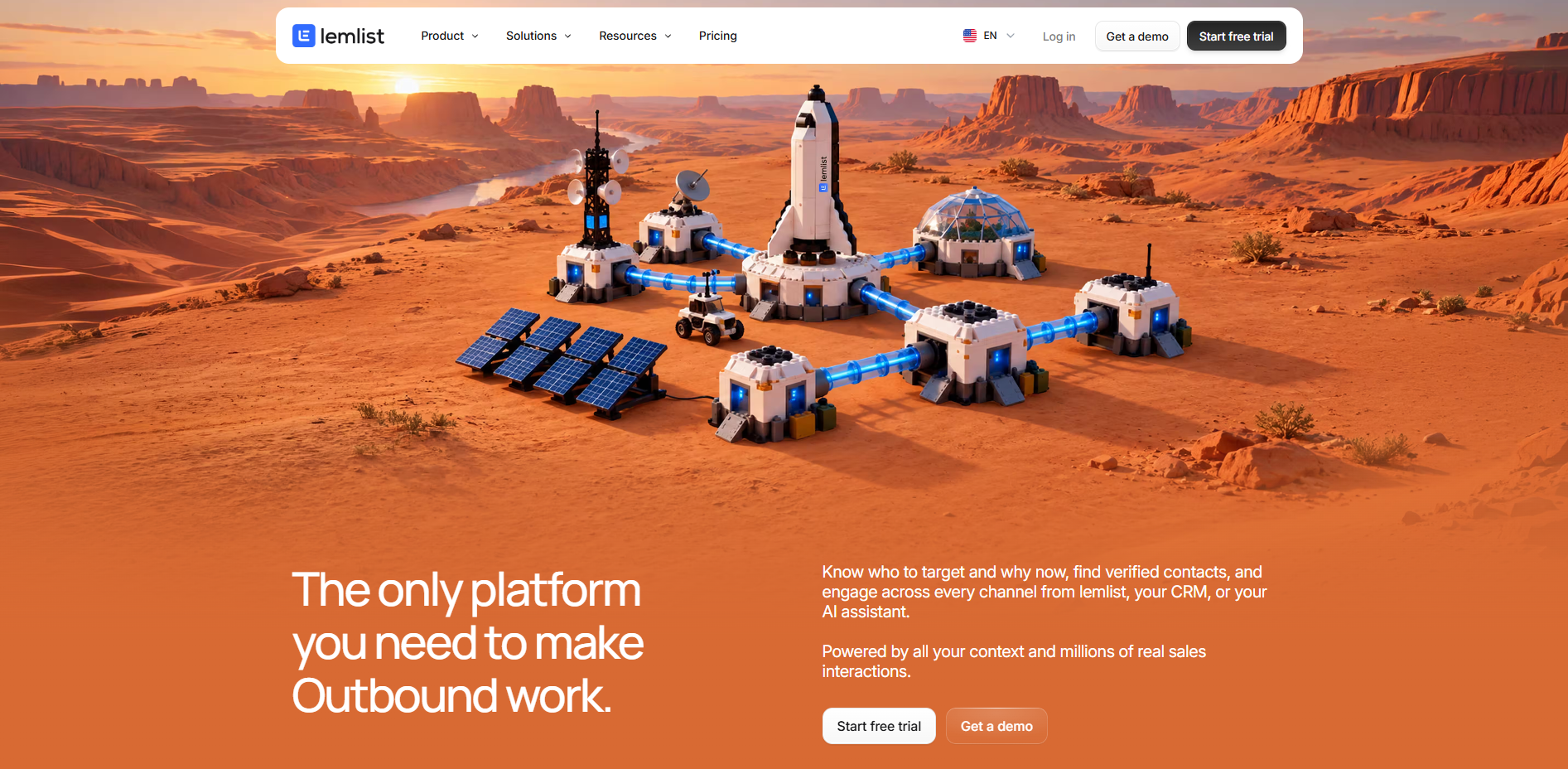
lemlist is built for teams that want to coordinate these activities in a unified outbound workflow.
Key Features
- Email campaign automation.
- Multichannel outreach capabilities.
- Contact discovery and enrichment features.
- AI-assisted personalization.
- Unified inbox.
- CRM integrations and API access.
- Deliverability-related tools.
Pricing
lemlist lists its Email plan at $69 per month on monthly billing or $55 per month with annual billing.
Its multichannel offering is a separate plan, so teams should compare the total cost of the channels they actually need.
Where lemlist Works Well
Suppose you're selling a $60,000 annual contract to a VP of Revenue Operations.
A single email may not be enough.
Your campaign might involve a tailored introduction, a LinkedIn interaction, a follow-up with a relevant technical observation, and a scheduled call.
lemlist is a better fit for that kind of coordinated outreach than a workflow designed exclusively around sending large numbers of emails.
Where It Falls Short
More channels don't automatically create a better prospect experience.
If every touch repeats the same pitch, multichannel sequencing simply makes an irrelevant message more persistent.
Our assessment: Worth considering for teams running thoughtful, account-specific outbound across email and other sales channels.
4. Saleshandy: Best for Budget-Conscious Outbound Teams
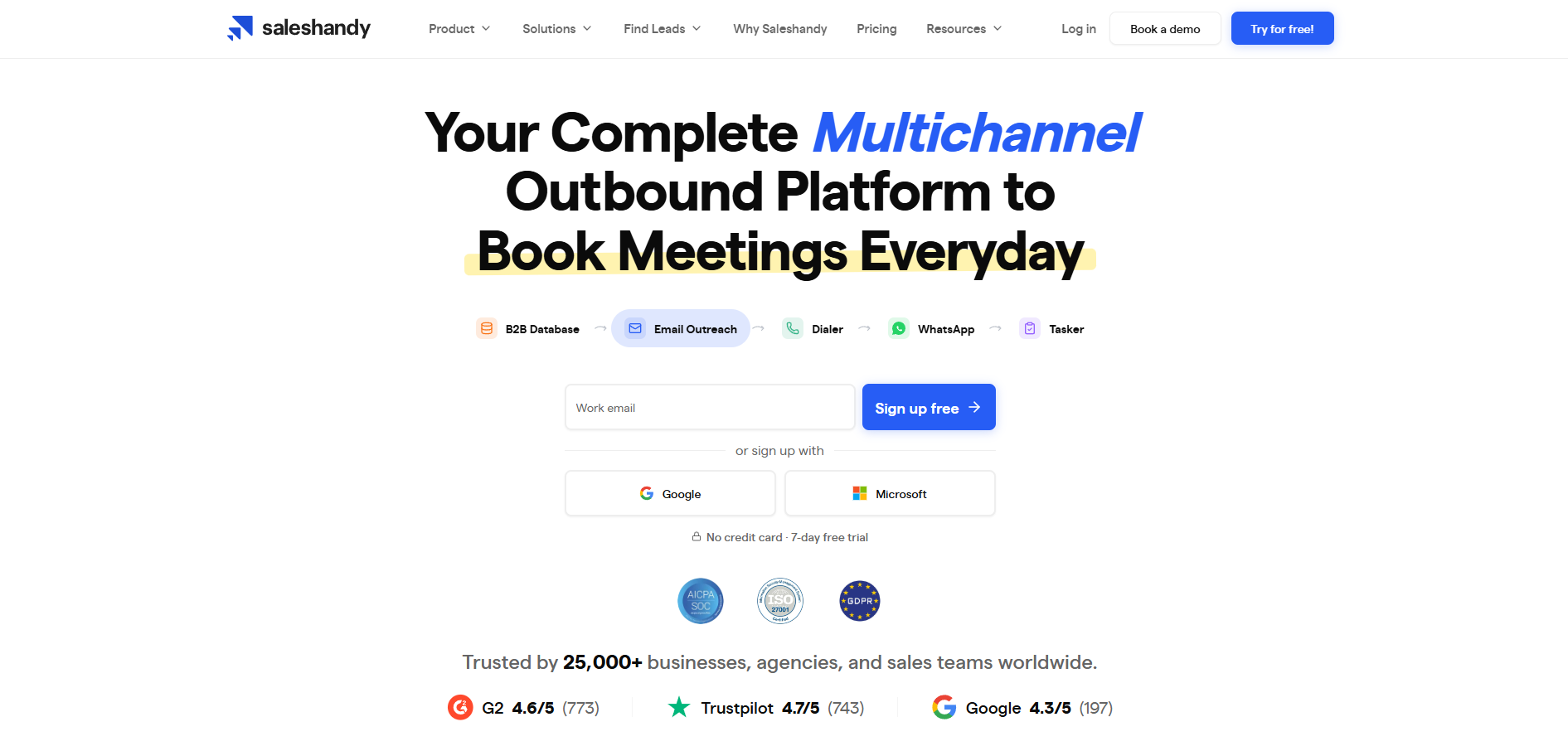
Saleshandy focuses on giving outbound teams the tools needed to manage prospect lists, personalized sequences, and cold email campaigns without necessarily assembling an enterprise sales engagement stack.
Key Features
- Automated email sequences.
- Personalization variables.
- Email account management.
- Lead and contact-related capabilities.
- Unified reply workflows.
- Campaign reporting.
- Additional infrastructure and outreach options.
Where Saleshandy Works Well
Saleshandy can suit a small sales team that wants to move beyond manually sending emails but doesn't yet need a complicated multi-client operating environment.
For a founder handling sales development personally, simplicity can be more valuable than advanced workflow options.
Where It Falls Short
Teams should examine how pricing changes with prospect volume, mailbox requirements, additional services, and billing commitments.
A low starting price isn't necessarily the lowest total cost once the entire campaign stack is included.
Our assessment: A practical option for small outbound teams that prioritize manageable costs and straightforward execution.
5. Woodpecker: Best for Controlled, Process-Driven Outreach
Woodpecker is a mature cold email automation platform that emphasizes sequence management, reply handling, and integrations.
It is relevant for teams that care about maintaining a repeatable outbound process rather than building the most feature-heavy system possible.
Key Features
- Automated follow-up sequences.
- Multiple email account support.
- Prospect management.
- Campaign reporting.
- API and webhook integrations.
- Connections with tools including Clay and HubSpot.
- Optional outreach-related add-ons.
Where Woodpecker Works Well
Woodpecker makes sense for teams running targeted, repeatable campaigns with relatively clear segmentation and established messaging.
Its integrations make it possible to bring in account data from external research and enrichment systems.
Where It Falls Short
Its pricing structure and add-ons need to be reviewed against the number of prospects and channels you intend to use.
Teams seeking an integrated data platform or a particularly sophisticated multichannel operating system may need additional software.
Our assessment: Worth evaluating when reliable sequencing and straightforward operational workflows matter more than an extensive feature list.
6. Apollo.io: Best for Lead Data and Outreach in One Platform
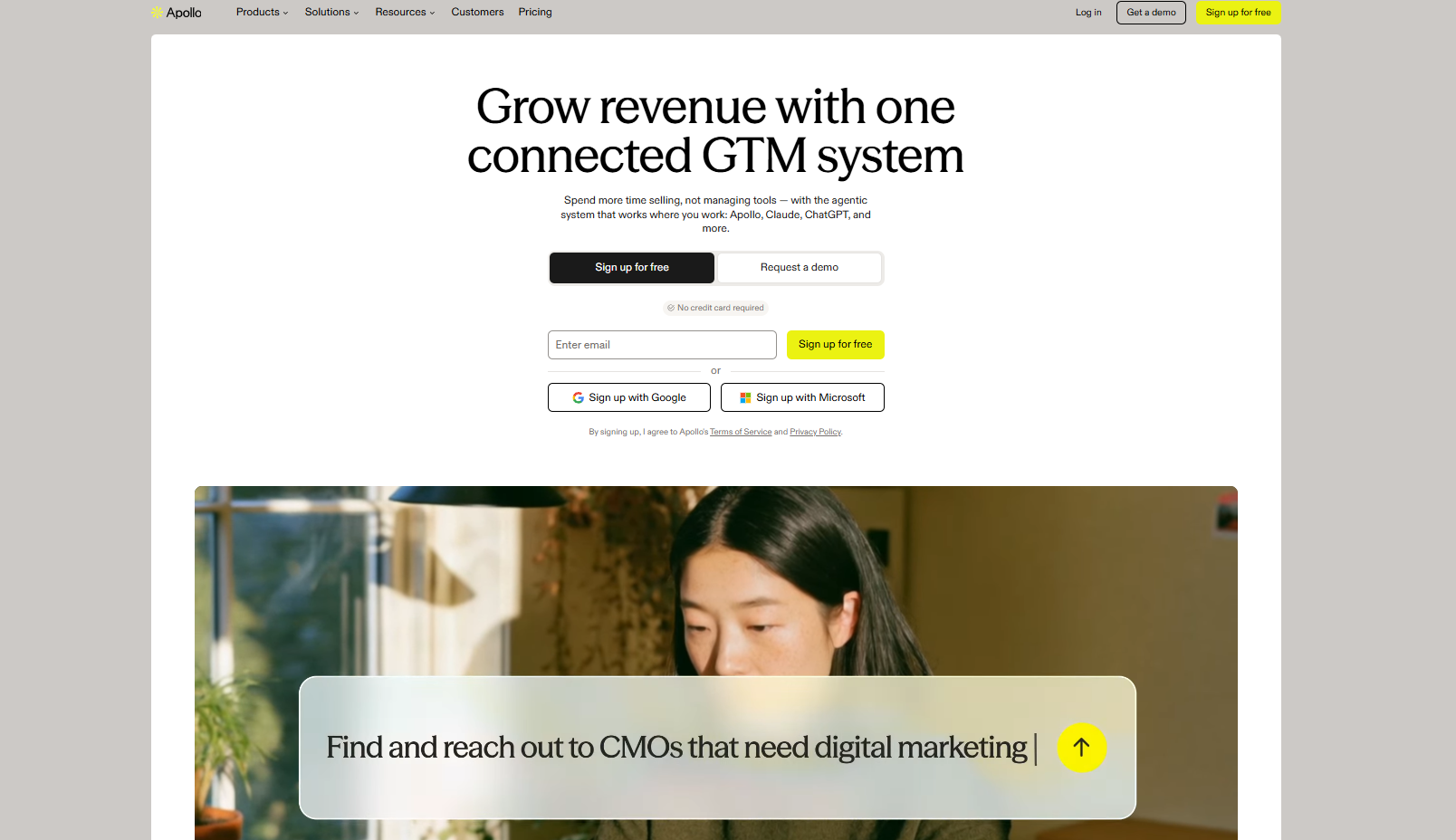
Apollo solves a slightly different problem from a dedicated cold email sequencer.
Instead of focusing only on campaign delivery, Apollo combines B2B contact discovery, account intelligence, enrichment, and sales engagement.
Key Features
- B2B account and contact database.
- Firmographic and role-based prospect filters.
- Contact data enrichment.
- Email sequencing.
- Sales activity workflows.
- CRM integrations.
- Prospecting and analytics tools.
Where Apollo Works Well
Suppose you have a small sales team and no existing prospecting infrastructure.
You need to identify target accounts, find decision-makers, retrieve contact information, and contact them.
Apollo can consolidate several of those activities.
That makes it useful for companies testing outbound before investing in a larger stack.
Where It Falls Short
An all-in-one platform may not provide the same flexibility as specialized enrichment, intent detection, verification, and email sending tools.
Contact accuracy should still be checked, particularly for high-value prospects. Teams also need to understand credit consumption and usage restrictions.
Our assessment: A good starting point when data discovery and outbound execution need to happen in one place.
7. Snov.io: Best for Prospect Discovery and Email Outreach
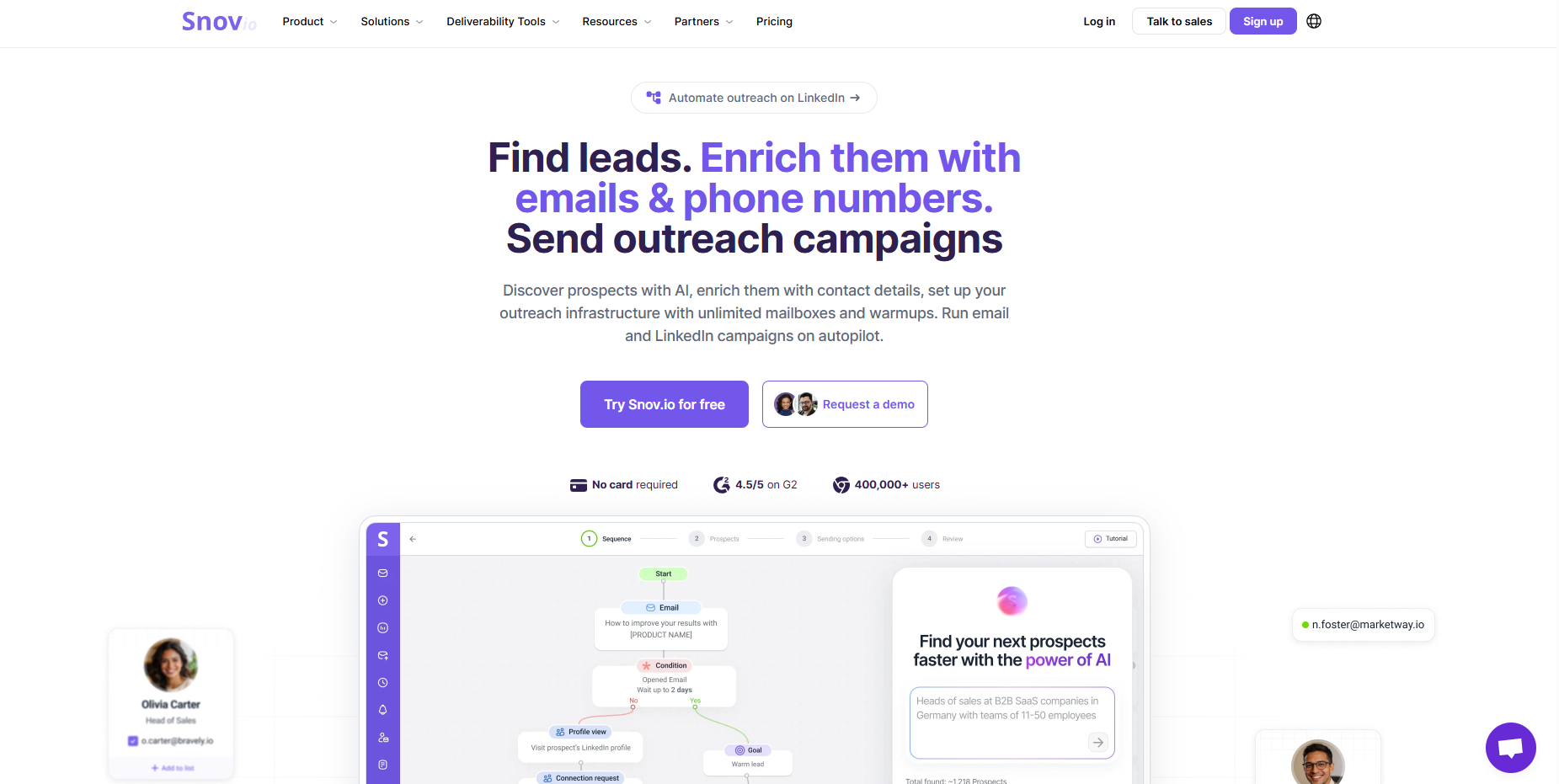
Snov.io combines prospecting, email discovery, verification, and outbound campaign functionality.
Its appeal is reducing the number of separate tools required to build and activate a prospect list.
Key Features
- Email finding.
- Email verification.
- Prospect list management.
- Automated outreach campaigns.
- Personalization.
- CRM integrations.
- Campaign analytics.
Where Snov.io Works Well
Snov.io is useful for small teams that need a repeatable process from finding a prospect to starting a conversation.
Rather than exporting contacts from one tool, verifying them in another, and importing them into a third, teams can handle more of the workflow in one environment.
Where It Falls Short
The convenience of an integrated platform has to be weighed against usage credits, data quality, and the flexibility of its sending capabilities.
Our assessment: Worth shortlisting for companies that want email discovery and outreach together.
Which Cold Email Software Should You Choose?
The best cold email software depends on how your outbound operation works.
Your SituationTools to Evaluate FirstSending relatively high volumesInstantly, SmartleadManaging campaigns for multiple clientsSmartlead, InstantlyRunning email, LinkedIn, and callslemlistBuilding a simple, affordable outbound programSaleshandy, WoodpeckerNeed a prospect database and sequencer togetherApollo, Snov.ioBuilding a custom GTM automation systemSmartlead, Instantly, or another API-compatible sequencer
Don't make the decision from feature count alone.
Ask whether the tool fits your workflow, not whether you can redesign your workflow around its dashboard.
Five Things to Check Before Buying Cold Email Software
.jpg)
1. Deliverability Infrastructure
Deliverability is not a feature you can turn on and forget.
Google's sender requirements include email authentication, valid DNS configuration, and spam-rate controls. Additional requirements apply to high-volume senders targeting personal Gmail accounts.
Your sending platform should make it practical to manage authentication, monitor errors, suppress problem contacts, and control sending behavior.
For a more technical walkthrough, see our cold email deliverability guide.
2. Integrations With Your Existing GTM Stack
If your prospecting data lives in Clay and your CRM lives in HubSpot, the email platform shouldn't force your team to move information manually.
You should be able to answer:
- How does a qualified prospect enter a sequence?
- How are replies and opt-outs synchronized?
- What happens when an account becomes a customer?
- Can a CRM status change automatically stop a campaign?
- Can campaign results be associated with opportunities?
These questions often matter more than the number of email templates available.
3. Total Cost of Ownership
A $47 monthly plan doesn't mean your cold email operation costs $47.
You may also pay for:
- Sending domains and mailboxes.
- Contact discovery.
- Email verification.
- Account and contact enrichment.
- AI research.
- Intent data.
- CRM and workflow automation.
Calculate the full monthly cost before comparing platforms.
4. Reply Handling and CRM Synchronization
A reply isn't automatically a qualified lead.
Prospects may ask for more information, refer you to someone else, raise an objection, say they're not interested, or request removal.
Your system should distinguish these outcomes and trigger the appropriate next step.
For negative responses and opt-outs, suppression should be immediate and consistent across campaigns.
5. Ownership and Portability
Before choosing a platform, ask what happens if you leave.
Can you export your prospect data, sequences, performance reports, suppression records, and campaign history?
Can your team retain its domains and sending accounts?
Will automation workflows continue operating, or are they locked inside a provider's proprietary environment?
The ability to change tools without rebuilding your entire outbound operation is valuable.
Cold Email Software vs. a Complete Outbound System
Here's where many companies make the wrong investment.
They buy an outreach platform expecting it to solve prospecting, personalization, qualification, and pipeline generation.
But a sending platform only handles part of that process.
A complete outbound system looks more like this:
Target accounts → Intent signals → Enrichment → Qualification → Personalization → Email sequencing → Reply classification → CRM → Pipeline attribution
The software that sends emails occupies one part of the workflow.
At GTM Walnut, we build these components into a connected, client-owned GTM system. The objective isn't to replace every tool with another proprietary platform. It's to make the tools you already use work together, with human review where judgment matters.
That can mean using Clay for enrichment, Instantly or Smartlead for email execution, an automation layer for routing, and HubSpot or Attio as the system of record.
You can read more about the technical architecture in our GTM engineering guide.
How to Measure Whether Your Cold Email Software Is Working
Don't judge your software only by emails sent or open rates.
Track performance across the full process.
Delivery and data quality: Hard bounce rate, authentication errors, spam complaints, and suppressed contacts.
Engagement: Reply rate, positive reply rate, and the distribution of objections or negative responses.
Sales outcomes: Qualified conversations, meetings held, opportunities created, and pipeline generated.
Operational efficiency: Research time per account, enrichment costs, cost per qualified meeting, and time spent handling replies.
Suppose two campaigns each send 5,000 emails.
Campaign A produces 200 replies but only five qualified opportunities.
Campaign B produces 100 replies and 18 qualified opportunities.
The second campaign may be significantly more valuable despite having half as many replies.
That's why a good reporting system connects outreach activity to the CRM rather than stopping at campaign-level metrics.
The Best Cold Email Software Is the One That Fits Your GTM System
Instantly and Smartlead are strong options for scaled email execution. lemlist stands out for multichannel workflows. Saleshandy and Woodpecker are worth examining for straightforward outbound operations. Apollo and Snov.io are useful when prospect discovery and email engagement need to sit together.
None of these platforms independently fixes an unclear ICP, weak messaging, inaccurate data, or a disconnected CRM.
Our advice is to start with your outbound process, identify the operational bottlenecks, and then choose software that removes those bottlenecks.
If you're building outbound as a repeatable revenue channel rather than a series of isolated campaigns, the infrastructure connecting those tools deserves at least as much attention as the tools themselves.
GTM Walnut helps B2B companies design and operate that infrastructure on their own accounts and systems, connecting prospecting, enrichment, intent signals, outbound, and RevOps.
For the broader sales motion, read our outbound sales guide. For the messages that actually go into your sequences, see our cold email templates and examples.
There isn't one best platform for every business. Instantly is useful for scaled email campaigns, Smartlead for multi-client operations, lemlist for multichannel outreach, and Apollo for companies that need prospect data and sequencing together. The right choice depends on your sending volume, workflow complexity, and existing technology stack.
Instantly is attractive for straightforward, high-volume email campaigns. Smartlead is particularly relevant for agencies and technical operators managing multiple campaigns and infrastructure configurations. Evaluate each platform against your mailbox setup, API requirements, reporting needs, and operational workload.
It can help manage aspects of sending behavior, but it cannot guarantee inbox placement. Deliverability also depends on authentication, domain and IP reputation, recipient engagement, list quality, and compliance with mailbox-provider requirements.
Cold email is regulated differently by jurisdiction. In the United States, commercial email must comply with CAN-SPAM, which applies to B2B messages. Other regions have different consent, privacy, and marketing requirements. Teams should review rules governing both their location and their recipients.
Not necessarily. But if you need sophisticated account enrichment, waterfall data lookup, intent signals, scoring, and AI-assisted research, Clay can provide capabilities that a basic email sequencer doesn't. Whether you need it depends on the complexity of your prospecting process.
GTM Walnut is an AI-native GTM engineering partner that builds the full B2B marketing and pipeline infrastructure for Seed to Series C companies. Unlike traditional B2B marketing agencies that run campaigns on their own systems, GTM Walnut implements the entire stack on your infrastructure: content and AI SEO for inbound pipeline, outbound automation for signal-triggered outreach, CRM RevOps for pipeline attribution, and intent signal capture to surface in-market accounts before they fill out a form.
Clients have generated $15M+ pipeline in eight months, 450+ MQLs in 14 months, and 270+ SQLs in nine months across different verticals. The system is yours to own and operate from day one, which means you build a compounding pipeline asset rather than a recurring agency dependency. Book a 30-minute system audit to see what the build looks like for your ICP and stage.
Fixed monthly retainer, starting at $2,500/month and scaling with scope. Most engagements land between $2,500 and $6,000/month depending on email volume, channel mix, geos, and whether CRM/RevOps work is included.
We don't do pure outcome-based pricing because infrastructure, list building, and messaging cost the same regardless of meetings booked, and outcome-only models tend to push agencies toward shortcuts that wreck your domain. We do stand behind the outcomes we forecast in the proposal; it's just not the billing mechanism.
Soumya is a B2B SaaS GTM and demand-generation leader who has built multi-million-dollar pipelines for early-stage and growth companies. She led GTM programs at Y Combinator and now runs GTM Walnut, an AI-native revenue infrastructure firm working with 40+ B2B SaaS and services teams.